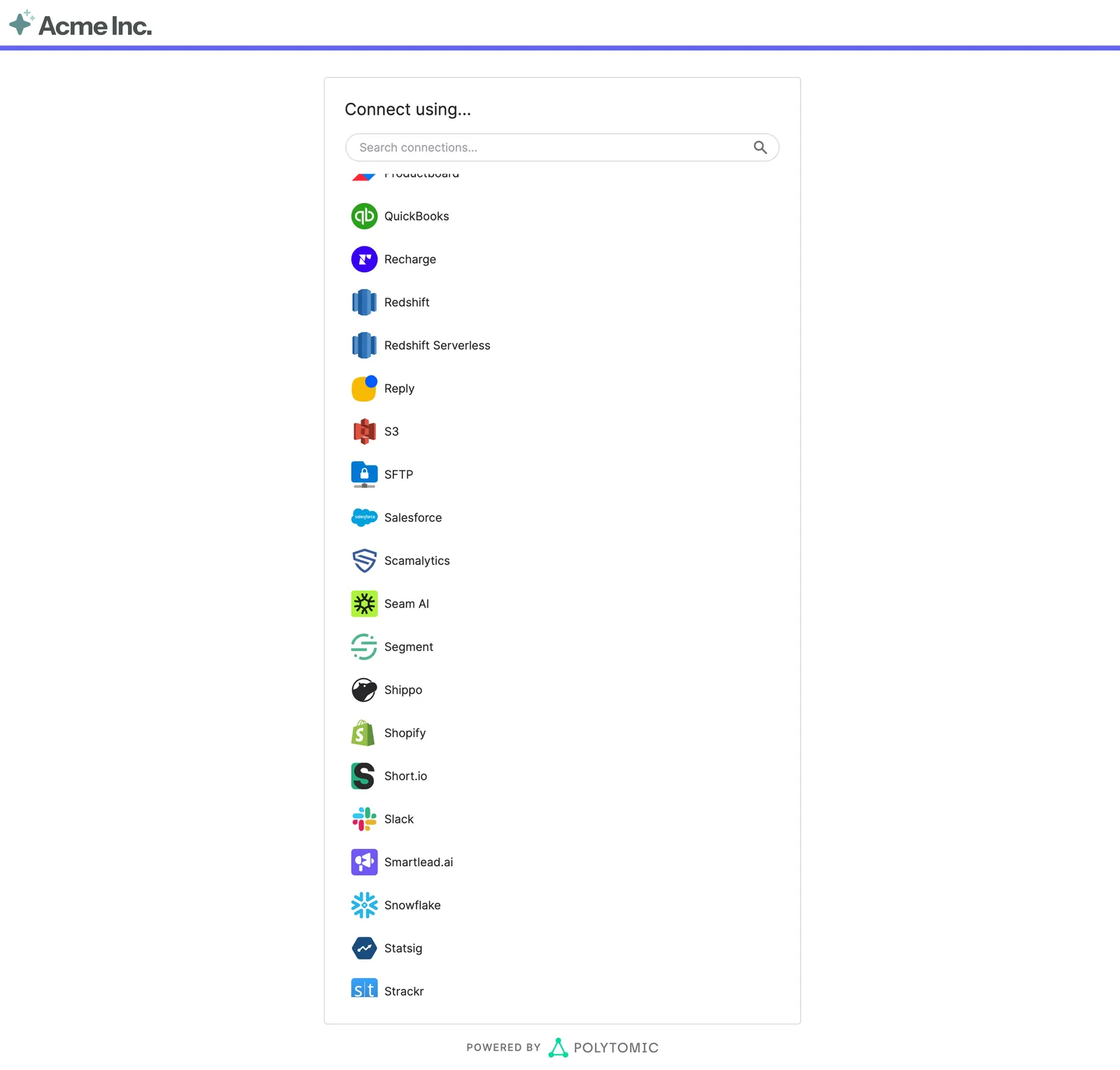
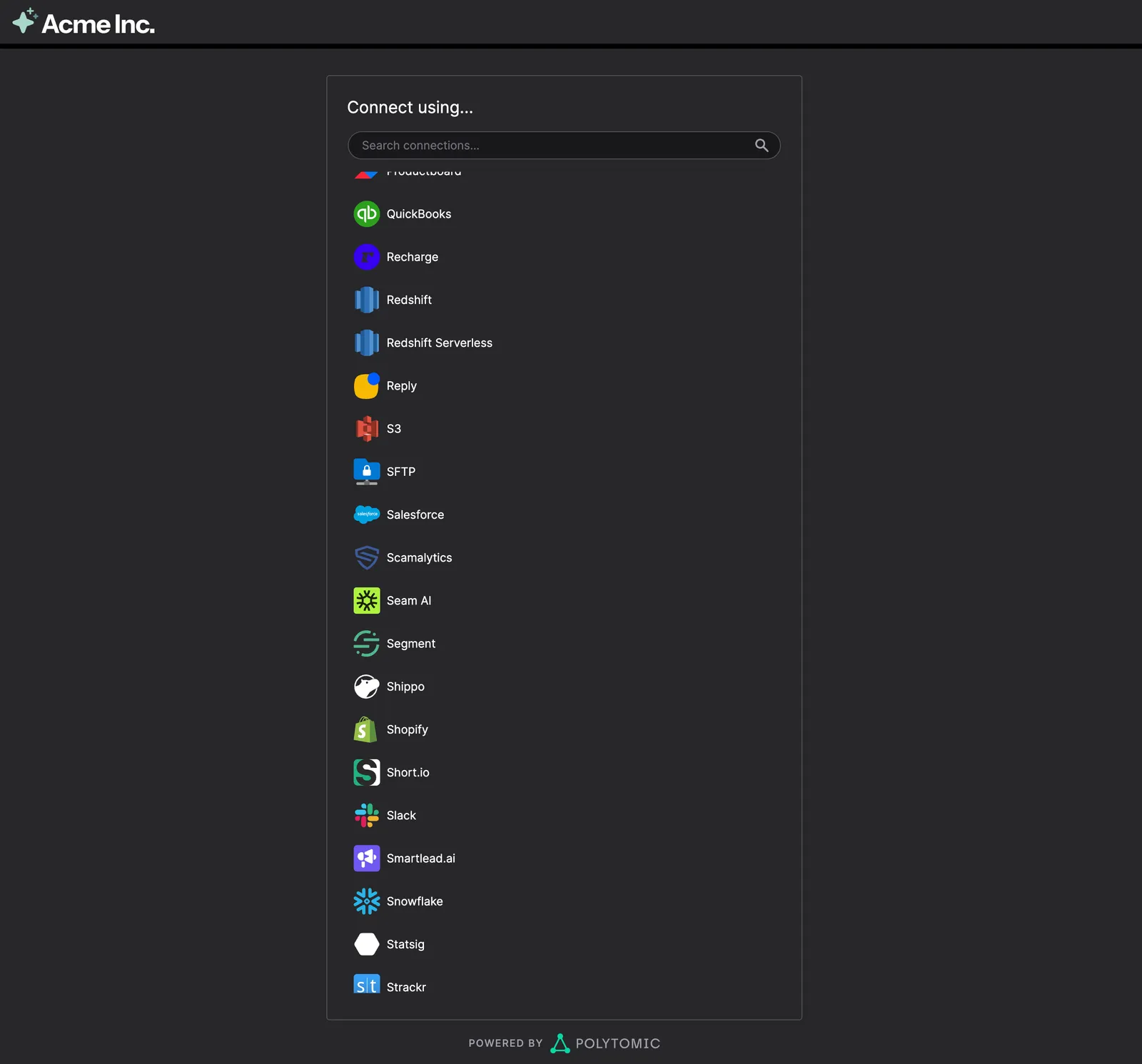
Hosted authentication
Hosted authentication runs the authentication flow in a Polytomic-hosted window. After minting a token, you navigate the user to the supplied URL. After the user authenticates and configures their connection, Polytomic redirects back to your app with the new connection details. To keep the flow inside your React app instead, see Embedded authentication.
1. Mint a token
Mint a Connect session from your backend with
POST /api/connections/connect/:
The response’s data.redirect_url is the hosted page for this session.
Never send your API key to the browser. The browser only needs the hosted page’s URL.
2. Navigate the user to the page
Open redirect_url in a new tab or the current window. The page can’t be
embedded in an iframe.
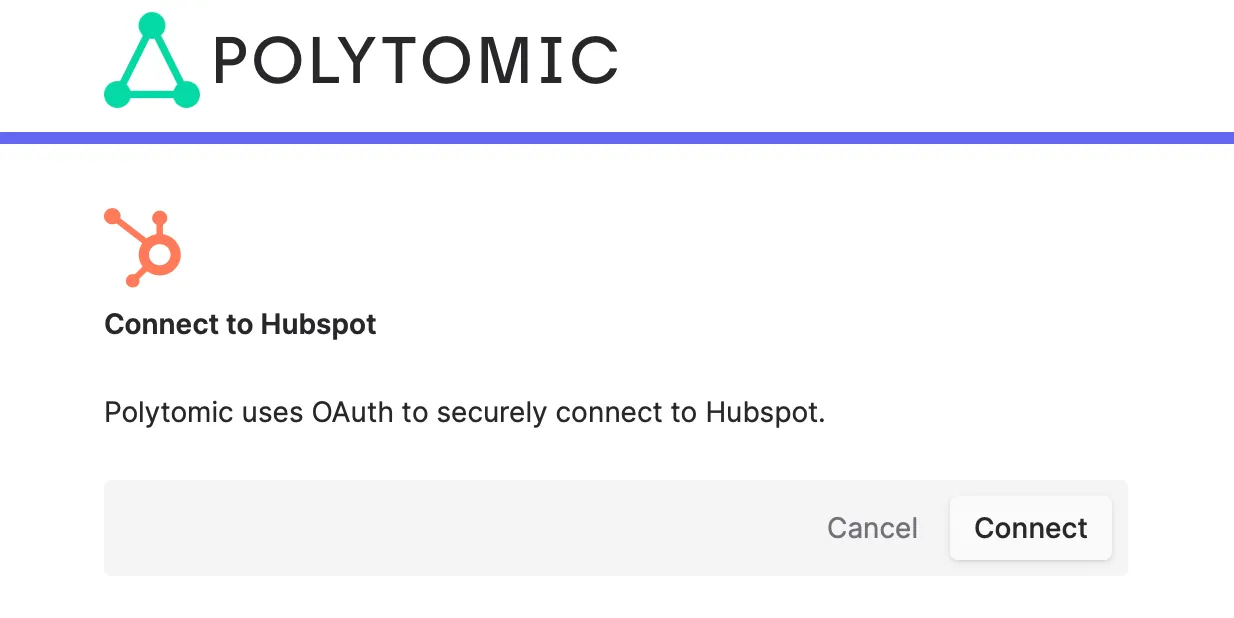
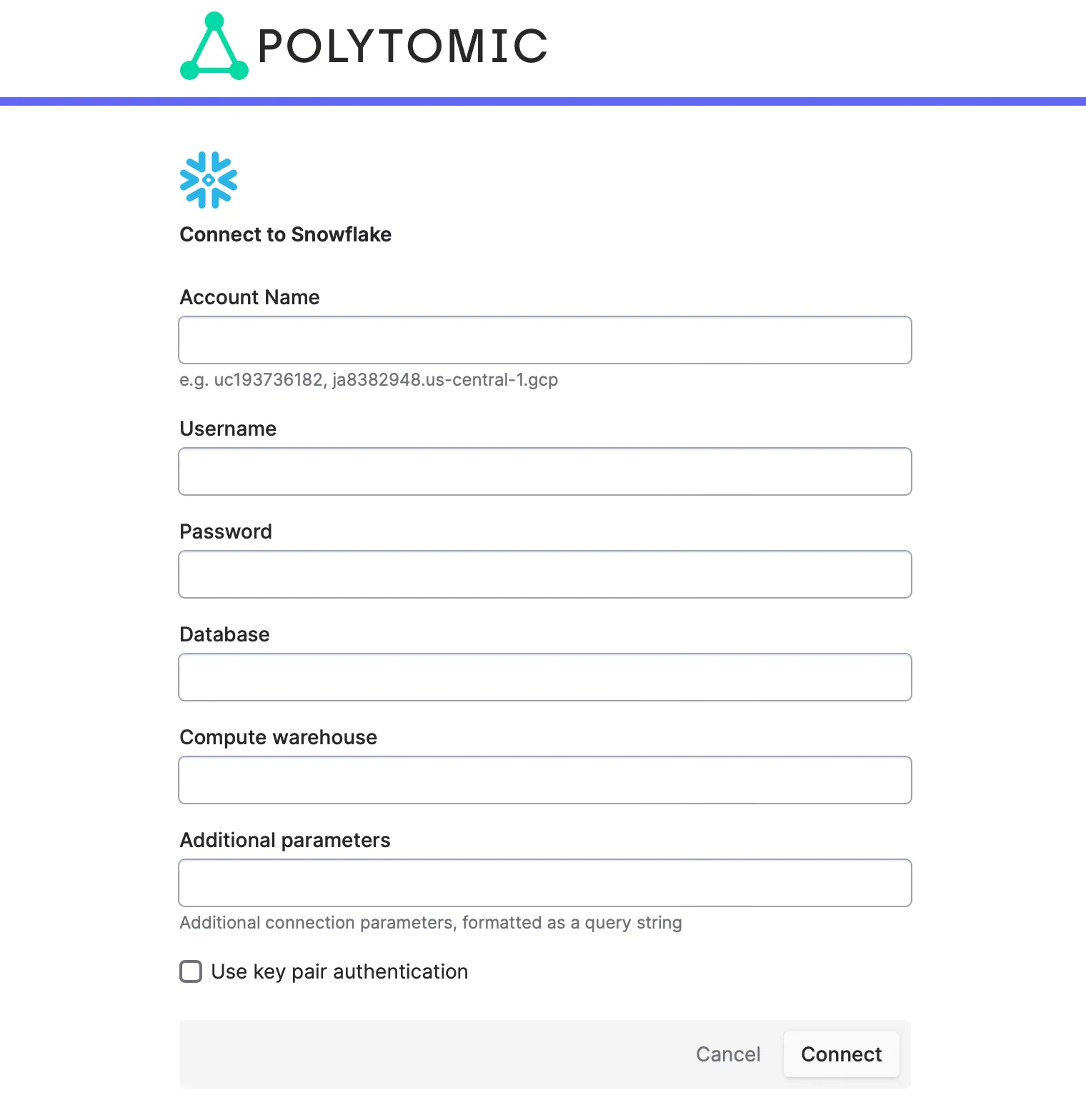
The user will be prompted to authenticate and complete any additional configuration required to create the desired connection.
3. Handle the redirect
When the flow completes, Polytomic redirects to your redirect_url with these
query parameters:
If the user cancels or the session expires, status is canceled. If the user
leaves before finishing, an incomplete connection can remain in the
organization. Check a connection’s status before using it, and delete unused
ones.
Query parameters come from the browser. Confirm the connection with GET /api/connections/{id} before relying on
them.
Reconnect a connection
To reconnect or edit a connection, mint a session with connection set to its
ID. name is still required but ignored. A healthy connection opens on the
success screen; otherwise the form opens with the saved values.
Branding
- Logo. Email an SVG to support@polytomic.com. It replaces the Polytomic logo in the header, with “Powered by Polytomic” in the footer.
- Dark theme. Set
dark: true. - Name. The page shows your partner name by default. Set
use_organization_name: trueto show the organization’s name.