
Embedding authentication
Polytomic Connect handles authentication to your customers’ systems so you do not have to build input forms or OAuth flows yourself. It works with databases, data warehouses, CRMs, cloud buckets, spreadsheets, and arbitrary HTTP APIs.
With a single API call, you can open a Polytomic-generated auth modal for any supported integration. For example, Polytomic Connect generates these modals for HubSpot and Snowflake:
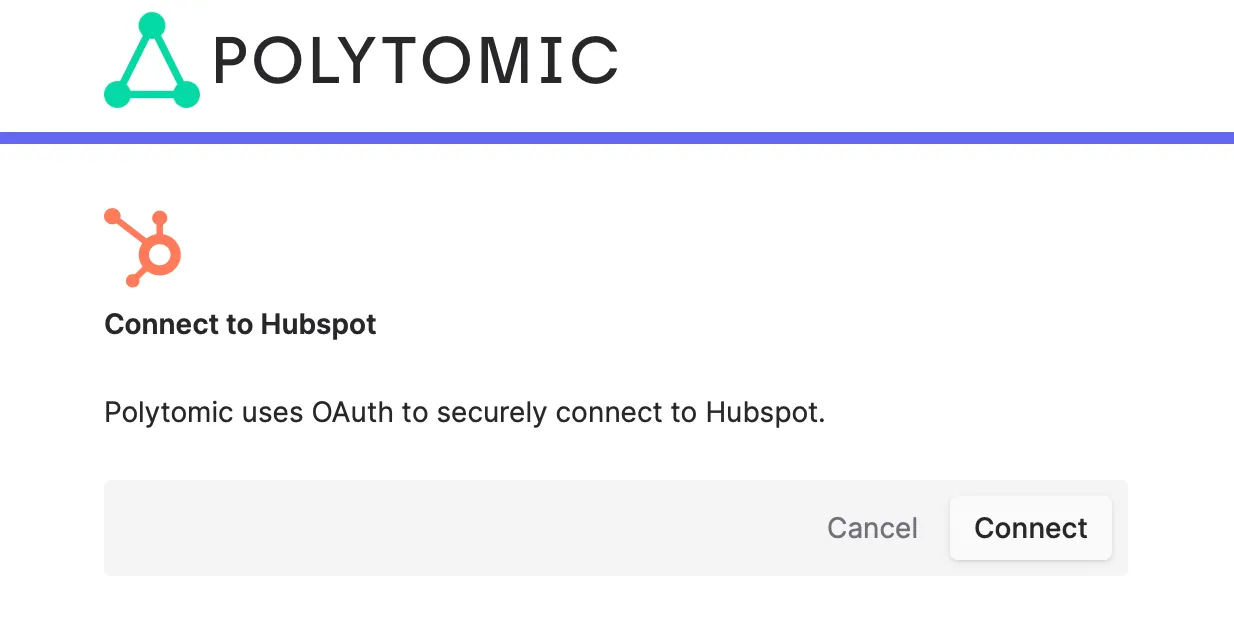
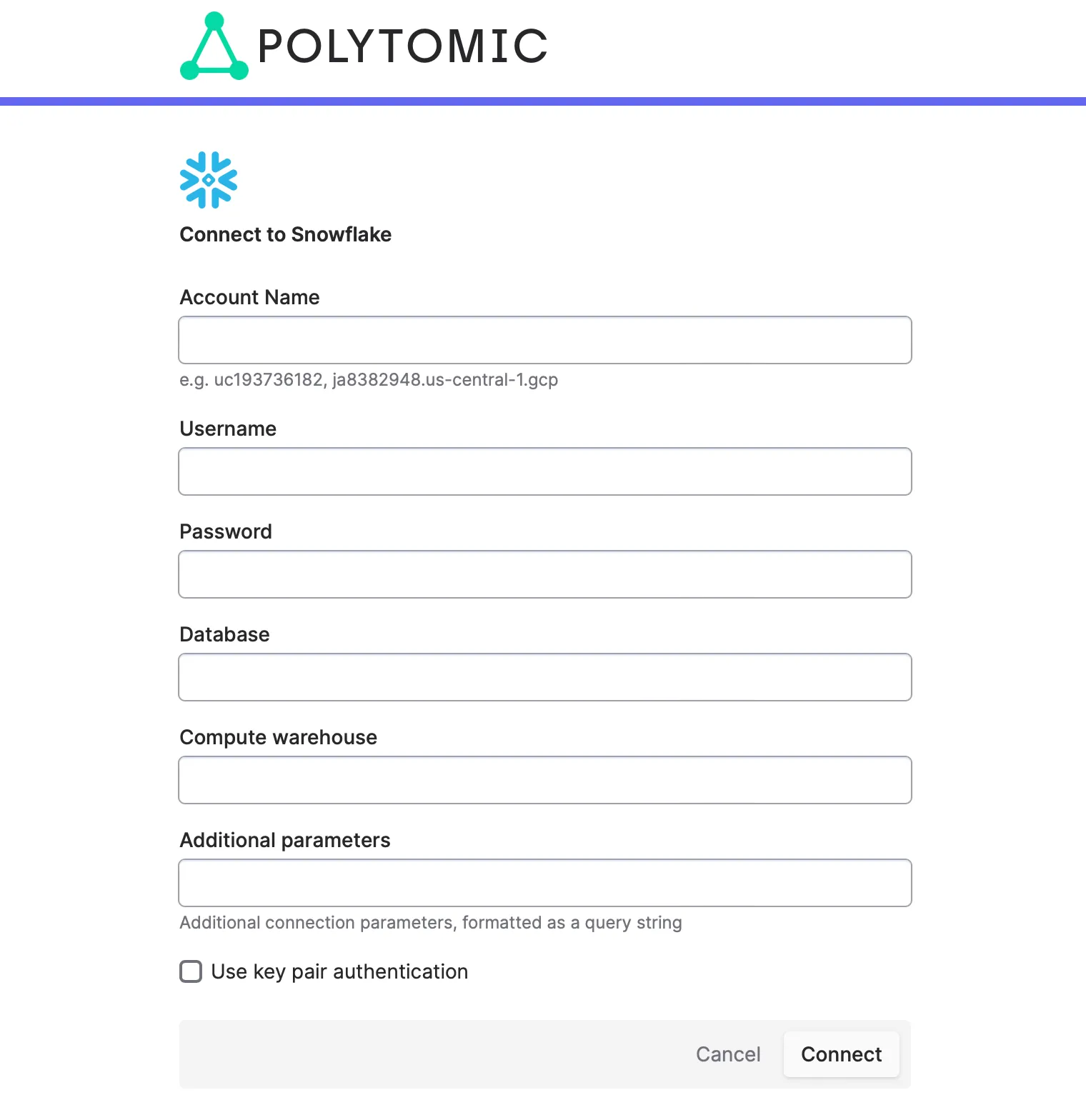
Polytomic supports many other integrations. You can open an auth modal for any of them without knowing which parameters each one requires.
Modal appearance options
Restricting integrations
Use the whitelist parameter to restrict which integrations customers
can connect to.
Pass a single-element array to allow only one integration — for example,
["salesforce"] sends the user straight into the Salesforce auth form.
Pass multiple values — for example, ["salesforce", "hubspot"] — to
present the user with a picker first, then the auth form for their
selection.
Dark mode
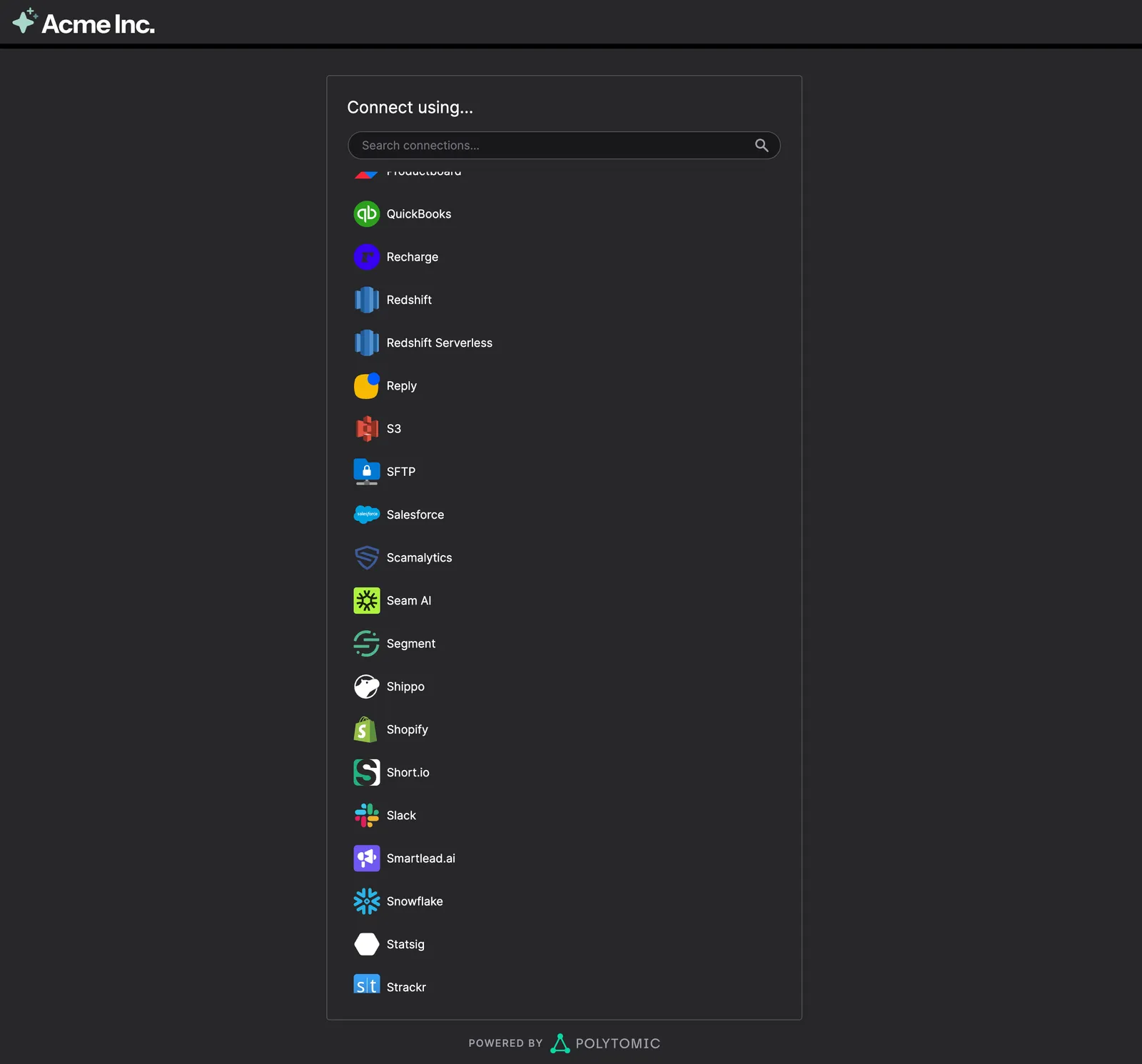
Set the dark parameter to true to render the modal in dark theme.
Custom logo
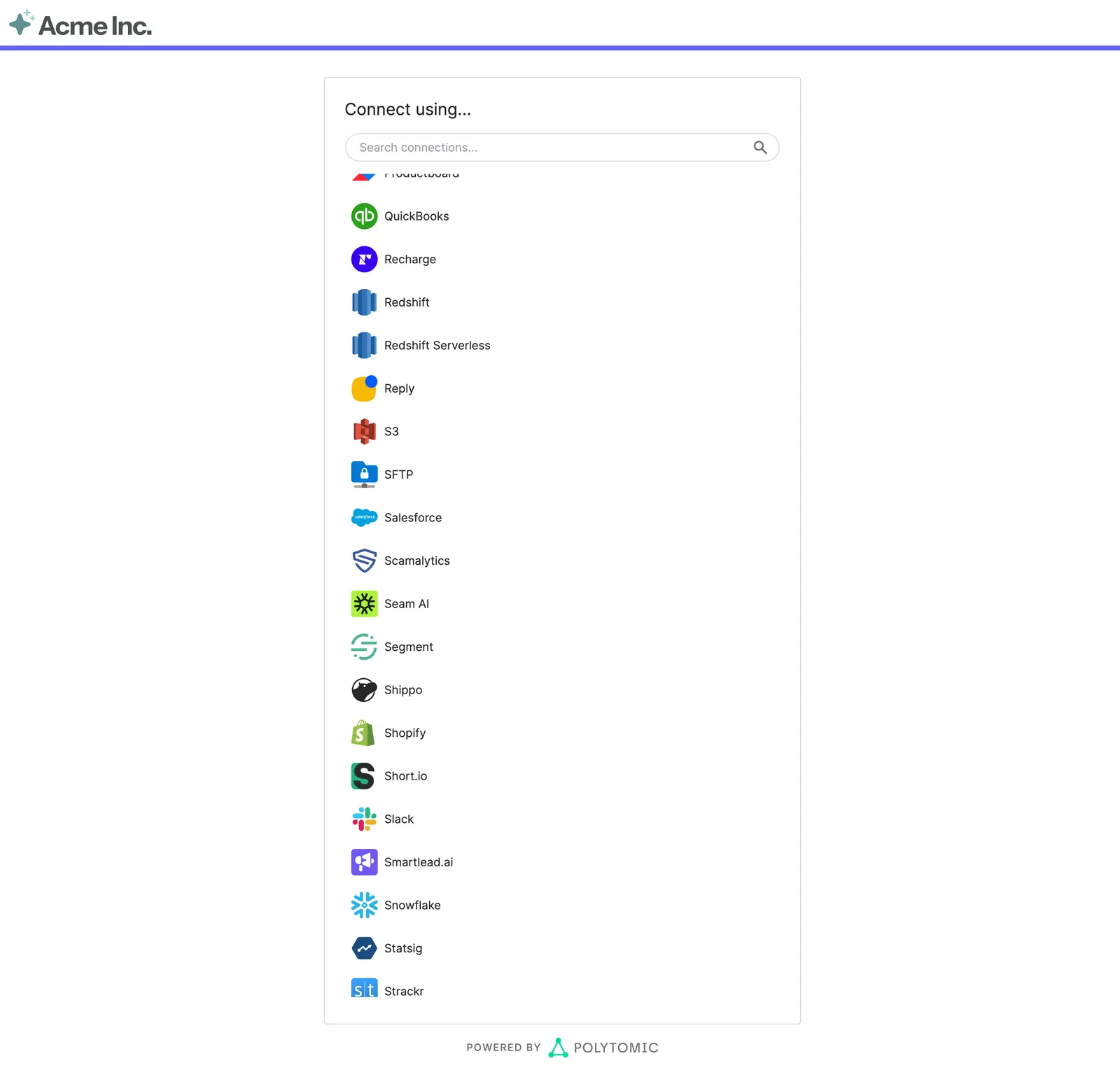
The auth modal can display your company’s logo instead of Polytomic’s. To enable this, email an SVG of your logo to support@polytomic.com. Below are light- and dark-mode examples with a custom logo in the top left and a restricted integration list:
Connect modal initialization
Steps
Request parameters
Code example
The following example authenticates to PostgreSQL through the Polytomic Connect API. The caller does not need to know which inputs PostgreSQL requires — Polytomic Connect handles that.
Proxy the request through a backend server so your API token stays off the client. The example is split into frontend and backend.